
How to connect the third i MCP to ChatGPT, Claude, Hermes, OpenClaw and any agent
Connect third i to your AI using MCP — no API key and no ad-platform passwords shared with the AI vendor. Setup for ChatGPT, Claude, Gemini, Grok and Perplexity, for agents like Hermes, OpenClaw and NemoClaw, and for Claude Code and Cursor, in about two minutes.
Works with your assistant, or your agent
- ChatGPT
- Claude
- Gemini
- Grok
- Perplexity
 Grok
Grok- Hermes
- OpenClaw
 Hermes
 OpenClaw
- Claude Code
- Codex
- Cursor
- VS Code
- Any MCP client
 Claude Code
 Codex
Codex Cursor
 VS Code
 Any MCP client
The short answer
The third i MCP connector is a remote Model Context Protocol server that gives any MCP-compatible assistant or agent access to a workspace's connected marketing data, and lets it prepare changes to Google Ads and Meta Ads that a person approves in third i before they are applied. Add the endpoint as a custom connector in a chat app, or as an MCP server in an agent, sign in, and start asking. No API key. No credentials shared with the AI vendor. Setup takes about two minutes.
https://api.thirdi.ai/api/mcp/streamWhat is the third i MCP?
The third i MCP is a secure connector built on the Model Context Protocol — an open standard that lets AI assistants talk to external tools and data. Once connected, your assistant reads your marketing performance from third i across Meta, Google, TikTok, Google Analytics, and every other source you've linked.
Instead of exporting CSVs and pasting numbers into a chatbot, you ask what changed, where money is leaking, and what to fix next — and it answers using your real campaign context.
How to connect
Setup takes about two minutes. The flow is the same everywhere: point the client at one URL and sign in. Per-client detail is below.
Open your AI app, or your agent's config
In ChatGPT, Claude, Gemini, Grok or Perplexity, open Settings and find the Connectors section. In an agent such as Hermes or OpenClaw, or in Claude Code, Codex, Cursor or VS Code, open where it keeps its MCP servers.
Add a custom MCP connector
Choose the option to add a new MCP server or custom connector.
Paste the third i MCP link
Enter the third i endpoint into the connector's URL field.
https://api.thirdi.ai/api/mcp/streamSign in and start asking
Authenticate with your third i account. No API key needed. No credentials shared with any AI provider.
What can you ask?
Point your assistant at your data and ask the questions you'd normally dig through dashboards to answer.
“Why did ROAS drop yesterday, and which campaign caused it?”
“Which campaigns should I pause?”
“Which creatives are fatiguing on Meta? Show me the images.”
“Compare my top Instagram and Facebook posts this month by reach.”
“Build a report of spend and revenue by channel, and save it.”
“Is any of my platform data out of date?”
Which chat apps can connect?
Every assistant that supports custom connectors. The flow is the same in each: find the connector setting, add a new MCP server, paste the endpoint, sign in.
Claude
The third i tools appear in the connectors menu inside any chat once the connector is authenticated.
ChatGPT
Connectors are available on the plans that expose them. If you cannot see the option, check whether your account needs developer or MCP settings enabled first.
Gemini, Grok and Perplexity
All three take a custom MCP server the same way. If the option is missing, look in developer or beta settings before assuming it is unsupported.
Which agents can connect?
Any agent that speaks MCP over Streamable HTTP. Agents connect by configuration rather than by menu, so each one takes an entry pointing at the same endpoint.
Hermes
Hermes registers MCP tools alongside its own at startup, so third i becomes another tool it can reach mid-task rather than a separate place to look.
mcp_servers:
  third-i:
    url: https://api.thirdi.ai/api/mcp/stream
auth: oauthOpenClaw
Add it from the Control UI or the openclaw mcp command. It is a remote server, so it takes a URL and the streamable-http transport rather than a local command.
{
  "mcp": {
    "servers": {
      "third-i": {
        "url": "https://api.thirdi.ai/api/mcp/stream",
        "transport": "streamable-http"
      }
    }
  }
}Which dev tools can connect?
The same endpoint, added from a command or a config file. Useful when the thing asking is your own agent rather than a chat window.
Claude Code
One command adds it to the current project. The tools are then available in any session in that project.
claude mcp add --transport http third-i https://api.thirdi.ai/api/mcp/streamCodex
Same endpoint, from the terminal. Codex reaches third i as one more tool while it is working, so you can ask about spend or a creative without leaving what you are building.
Cursor and VS Code
Both read an MCP configuration file. Cursor also accepts servers added from its own settings UI.
{
  "mcpServers": {
    "third-i": {
      "url": "https://api.thirdi.ai/api/mcp/stream"
    }
  }
}Any MCP client
The endpoint is a plain remote MCP server. If your client or your own agent speaks the protocol, it needs nothing specific to third i beyond the URL and a sign-in.
You stay in control
Your assistant or agent reaches your data through third i's MCP layer, authenticated with your third i account — not your ad-platform passwords. Connecting one never exposes your Meta, Google or TikTok login to the AI vendor, or to whichever machine runs the agent, and you can remove the connector at any time to revoke access. Write actions wait for your approval inside third i.
Troubleshooting
The connector won't authenticate
Make sure you're signed in to the correct third i account and that your workspace has at least one connected source.
No option to add a custom connector
Your AI app or plan may not expose MCP connectors yet — look for a developer, beta, or advanced setting, or use a client that supports custom MCP servers.
The assistant returns no data
Newly connected ad accounts can take a few hours to finish syncing before results are available.
Frequently asked questions
What is the third i MCP connector?
The third i MCP connector is a remote Model Context Protocol server that gives any MCP-compatible assistant or agent access to a workspace's connected marketing data, and lets it prepare changes to Google Ads and Meta Ads that a person approves in third i before they are applied.
Do I need a separate MCP server for Google Ads, Meta Ads or GA4?
No. third i is one MCP server that already reads all of them, so there is nothing to install, host or keep updated per platform. That is also why an assistant can answer a question spanning two channels: both are behind the same connection.
Do I need an API key to connect third i to my AI assistant?
No. You add the third i MCP endpoint as a custom connector and sign in with your third i account. There is no API key to issue or rotate, in a chat app or in an agent.
Which AI assistants can connect to third i?
ChatGPT, Claude, Gemini, Grok and Perplexity, along with any other MCP-compatible client that lets you add a custom MCP server.
Which agents can connect to third i?
Any agent that speaks MCP, including Hermes and OpenClaw. Hermes takes an mcp_servers entry pointing at the endpoint, and OpenClaw adds it as a remote server over Streamable HTTP. If you work in a terminal or an editor instead, Claude Code, Codex, Cursor and VS Code connect to the same endpoint.
Does connecting an AI assistant share my ad-platform passwords?
No. Your assistant or agent reaches your data through third i's MCP layer, authenticated with your third i account. Your Meta, Google and TikTok passwords are never shared with the AI vendor or with whoever hosts the agent.
Which data can the AI assistant access?
The marketing performance data from the sources you have connected to third i — Meta, Google, TikTok and LinkedIn ads, Instagram, Facebook Pages, TikTok organic and Google Analytics — so answers reflect your real campaigns. Write actions wait for your approval inside third i.
What can I ask once third i is connected?
Why ROAS dropped yesterday, which creatives are fatiguing, how this week compares across channels, whether any platform data has gone stale, or for a report to be built and saved with a link you can send.
Does it work with Claude Code or Cursor?
Yes. Claude Code takes one command; Cursor and VS Code take an entry in their MCP configuration. It is the same endpoint the chat apps use, so anything you build against it works everywhere.
Can Hermes or OpenClaw use it on a server?
Yes, once a person has signed it in. The OAuth step needs a browser and a human — an agent cannot complete it on its own — so do it on a workstation. After that the connection holds, and the agent uses it from the server with no browser and no API key.
Does asking through an assistant use credits?
Simple questions are included, the same as they are in the app. Credits are used when you ask for a fresh deep analysis or a generated report, and failed actions are refunded.
Which plans include MCP access?
Every paid plan, for brands and agencies alike. The free trial does not include it, so start a plan first and then add the connector.
Related guides
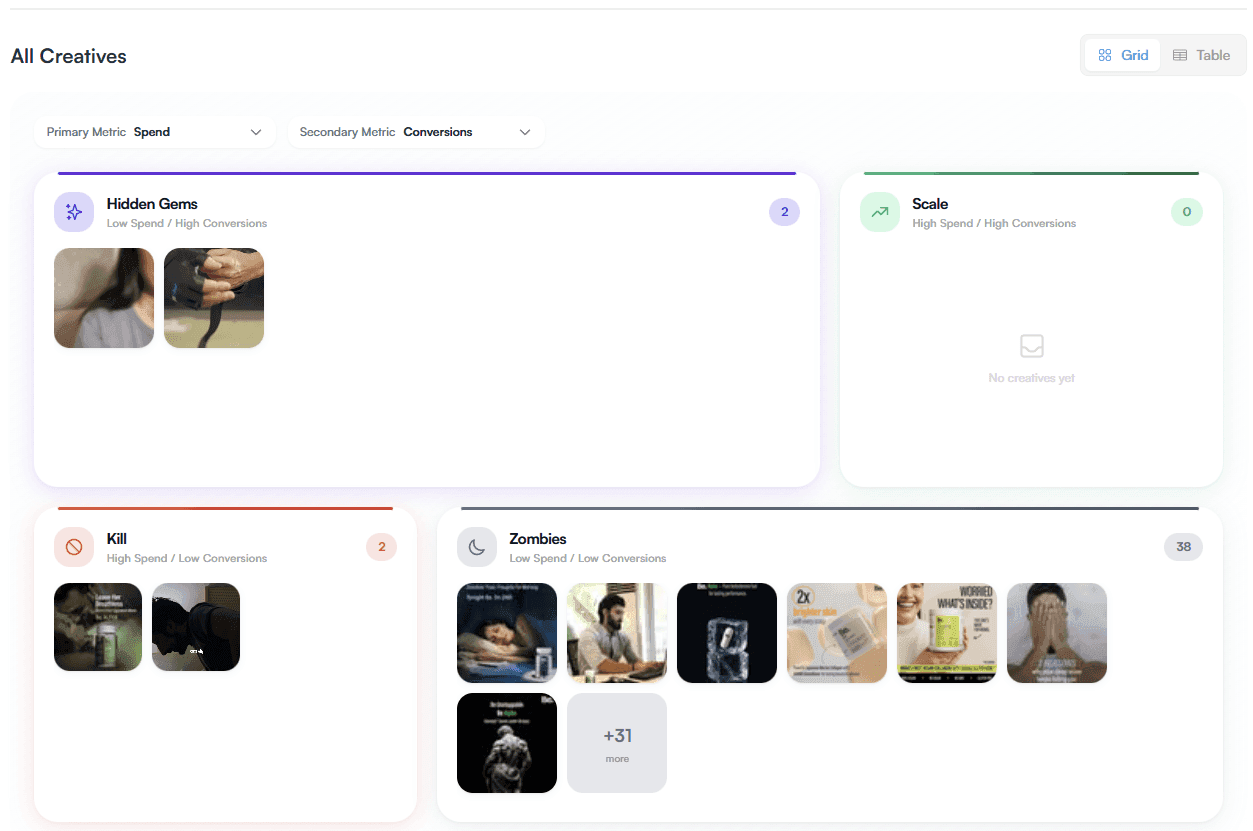
The January '26 Drop: Speed, Grids, & Action
We moved from Matrix to Grid, integrated Cube.js for blaze-fast analysis, and upgraded the core infrastructure. Here is what shipped in January.
Maximizing Your Marketing Potential with third i: A Comprehensive Guide to Features and Insights
In today's fast-paced digital landscape, understanding how to leverage data for marketing optimization is crucial for success. In this blog post, we will explore the powerful features of the third i platform as discussed in a recent podcast episode. From integrating ad channels to analyzing campaig…
Launching Mini-Marketers!
Mini Marketers automates marketing tasks, freeing up time for creativity and strategy.