
How to Connect Claude to Your Google Ads + Meta Ads Data (And What to Ask It)
A step-by-step guide to connecting Claude to your Google and Meta Ads data using MCP - with 5 copy-paste prompts for cross-channel insights.
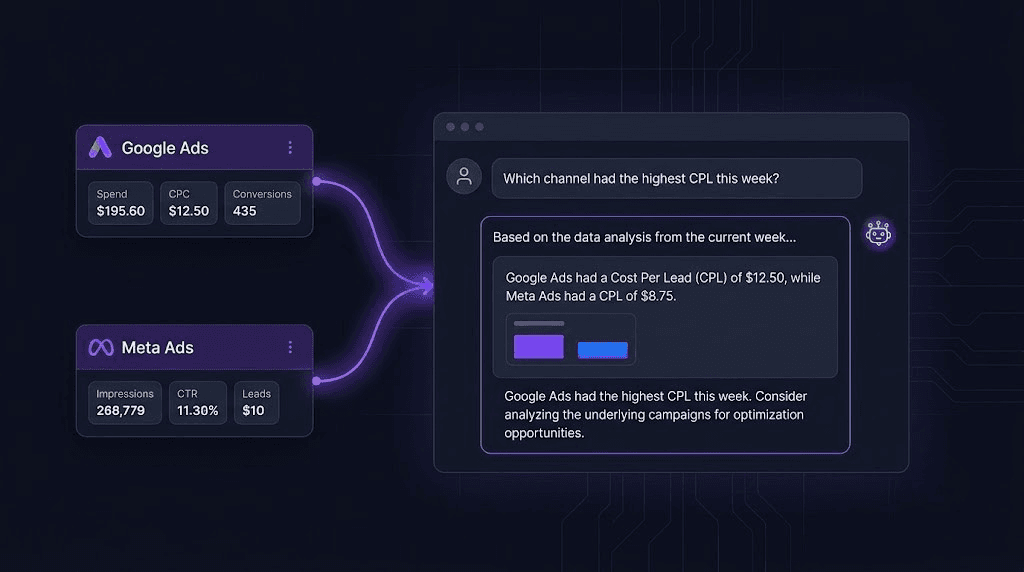
A step-by-step guide for performance marketers who want AI-powered cross-channel insights - without switching tools or writing a single line of code.
You have Google Ads in one tab. Meta Ads Manager in another. Maybe a reporting dashboard that's always a day behind. You're spending three hours a week just assembling the picture - and by the time you have it, the week's already moved on.
What if you could just ask your ad data questions and get answers in plain English?
That's exactly what Claude + MCP lets you do. This guide walks you through connecting both platforms and gives you five cross-channel prompts to run today.
What This Setup Does
Once connected, Claude can:
- Pull live campaign data from Google Ads and Meta without exporting multiple CSVs
- Spot budget leaks across both channels in a single conversation
- Compare ROAS between platforms and flag discrepancies
- Surface underperforming ad sets before they drain your budget
- Generate a plain-language cross-channel weekly summary your whole team can read
Requirements: Claude Desktop + Claude Pro plan ($20/month) + ~30 minutes of setup
Part 1: Connect Google Ads to Claude
Google officially open-sourced their MCP server and we can access it directly from GitHub. It's read-only and built for diagnostics and analytics - exactly what we need.
GitHub: googleads/google-ads-mcp
Step 1 - Get your Google Ads API credentials
- Go to Google Cloud Console and create a new project
- Enable the Google Ads API
- Create OAuth 2.0 credentials (Desktop App type)
- Apply for a Developer Token in your Google Ads account under Tools → API Center
- A basic access token is sufficient for read-only use
Step 2 - Install the MCP server
git clone https://github.com/googleads/google-ads-mcp
cd google-ads-mcp
pip install -r requirements.txt
Step 3 - Configure Claude Desktop
Open your Claude Desktop config file:
~/Library/Application Support/Claude/claude_desktop_config.json
Add the following:
{
"mcpServers": {
"google-ads": {
"command": "python",
"args": ["/path/to/google-ads-mcp/server.py"],
"env": {
"GOOGLE_ADS_DEVELOPER_TOKEN": "your_developer_token",
"GOOGLE_ADS_CLIENT_ID": "your_client_id",
"GOOGLE_ADS_CLIENT_SECRET": "your_client_secret",
"GOOGLE_ADS_REFRESH_TOKEN": "your_refresh_token",
"GOOGLE_ADS_LOGIN_CUSTOMER_ID": "your_customer_id"
}
}
}
}
Step 4 - Restart Claude Desktop and test
Restart the app and try:
"Show me my top 5 Google Ads campaigns by spend in the last 14 days"
If you see campaign data returned, you're connected.
Part 2: Connect Meta Ads to Claude
For Meta, we'll use the widely-adopted open-source server by Pipeboard - the most mature option available and the same one used across the MCP community.
GitHub: pipeboard-co/meta-ads-mcp
Option A - Remote MCP (Recommended, no local setup)
The fastest path:
- Go to claude.ai/settings/integrations
- Click Add Integration
- Add URL: https://mcp.pipeboard.co/meta-ads-mcp
- Log in with your Meta account
- Done - no config files, no local installation
Option B - Local install
pip install meta-ads-mcp
Then add to your Claude Desktop config:
{
"mcpServers": {
"meta-ads": {
"command": "uvx",
"args": ["meta-ads-mcp"],
"env": {
"META_ACCESS_TOKEN": "your_token_here"
}
}
}
}
To get your Meta access token:
- Go to Meta Business Suite
- Business Settings → Users → System Users
- Create a system user → Generate token
- Required permissions: ads_read, ads_management
Step 3 - Test the connection
"Show me my active Meta ad sets and their current CPMs"
If you get campaign data back, both platforms are live.
Or just try Thirdi, it is built for teams who want this system setup without any hassle.
Connect your Google, Meta, TikTok, LinkedIn, and Shopify accounts once. Thirdi's AI co-pilot surfaces cross-channel insights every morning without a config file, a prompt, or a CSV in sight. No manual exports. No context switching. Just the answers your team needs to act.
No credit card needed.
Optimizing $1M+ in monthly ad spend across 200+ agencies and in-house teams.
5 Cross-Channel Prompts to Run Today
This is where it gets useful. Each prompt below works because Claude now has access to both your Google and Meta data in the same conversation. Copy, paste, and adjust the bracketed values for your account.
Prompt 1: Budget Leak Detector
Look at my Google Ads and Meta Ads spend for the last 14 days.
For each channel:
- What is the total spend?
- What is the CPL or CPA?
- Is the trend improving or worsening week-over-week?
Flag any channel where CPL has increased more than 20% in the last 7 days.
Tell me where budget is leaking and which channel deserves more or less investment right now.
Prompt 2: ROAS Discrepancy Check
My Meta dashboard is showing a strong ROAS but overall revenue hasn't grown proportionally.
Pull my Meta ROAS and Google ROAS for the last 30 days.
Cross-reference the spend and conversion volumes on both platforms.
Give me 3 possible explanations for the discrepancy -
could this be audience overlap, attribution window mismatch,
or assisted conversions being counted twice?
Prompt 3: Creative Fatigue Cross-Check
On Meta: identify any ad creatives with frequency above 2.5 in the last 7 days.
On Google: are any of the same audience segments being reached via Display or Demand Gen?
Flag where the same user is likely seeing our ads on both platforms at high frequency.
Recommend which creatives to refresh first based on spend and fatigue signals.
Prompt 4: Budget Reallocation Signal
My total daily budget across Google and Meta is $[YOUR_BUDGET].
Based on the last 14 days of performance:
- Which campaigns on each platform are hitting below-target CPA?
- Which are performing above target and could absorb more budget?
Recommend a reallocation plan.
Apply the rule: don't move more than 20% of any campaign's budget in one day
to avoid resetting learning phases.
Prompt 5: Weekly Cross-Channel Narrative
Summarize last week's performance across Google Ads and Meta Ads in plain language.
Structure it as:
1. What worked (top performing campaigns, creatives, audiences)
2. What didn't (underperformers, wasted spend, anomalies)
3. What to do differently this week (3 specific actions)
Write it so I can paste this directly into a client report or a Monday team standup.
See this on your own accounts
third i connects to the platforms you already run and does this work against your live numbers.
Read more
View all articles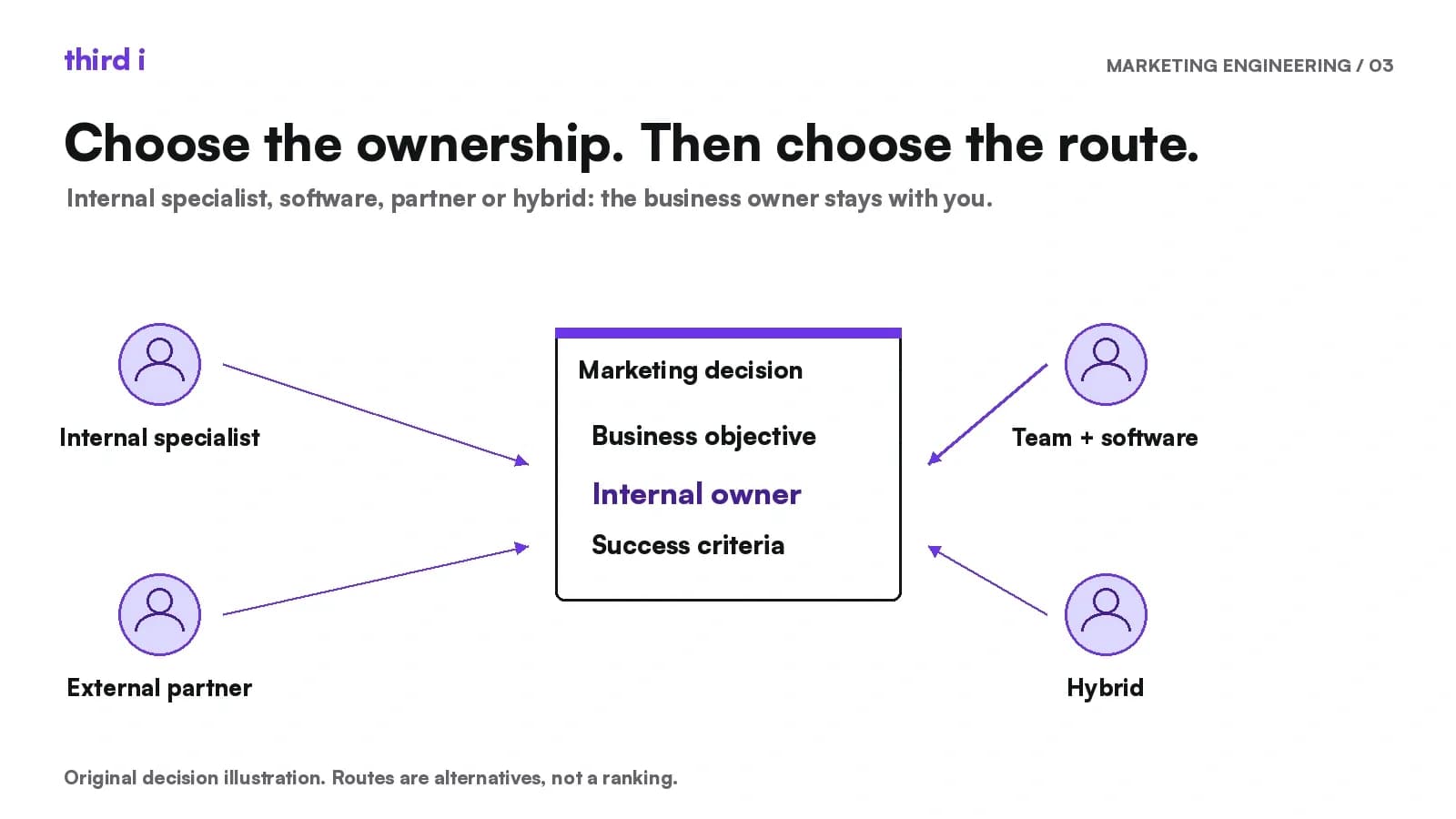
Do You Need to Hire a Marketing Engineer?
A marketing engineer makes sense when distinctive systems need continuing internal ownership. For repeatable work, your existing team and software may be enough. Start with the workflow, not the title.

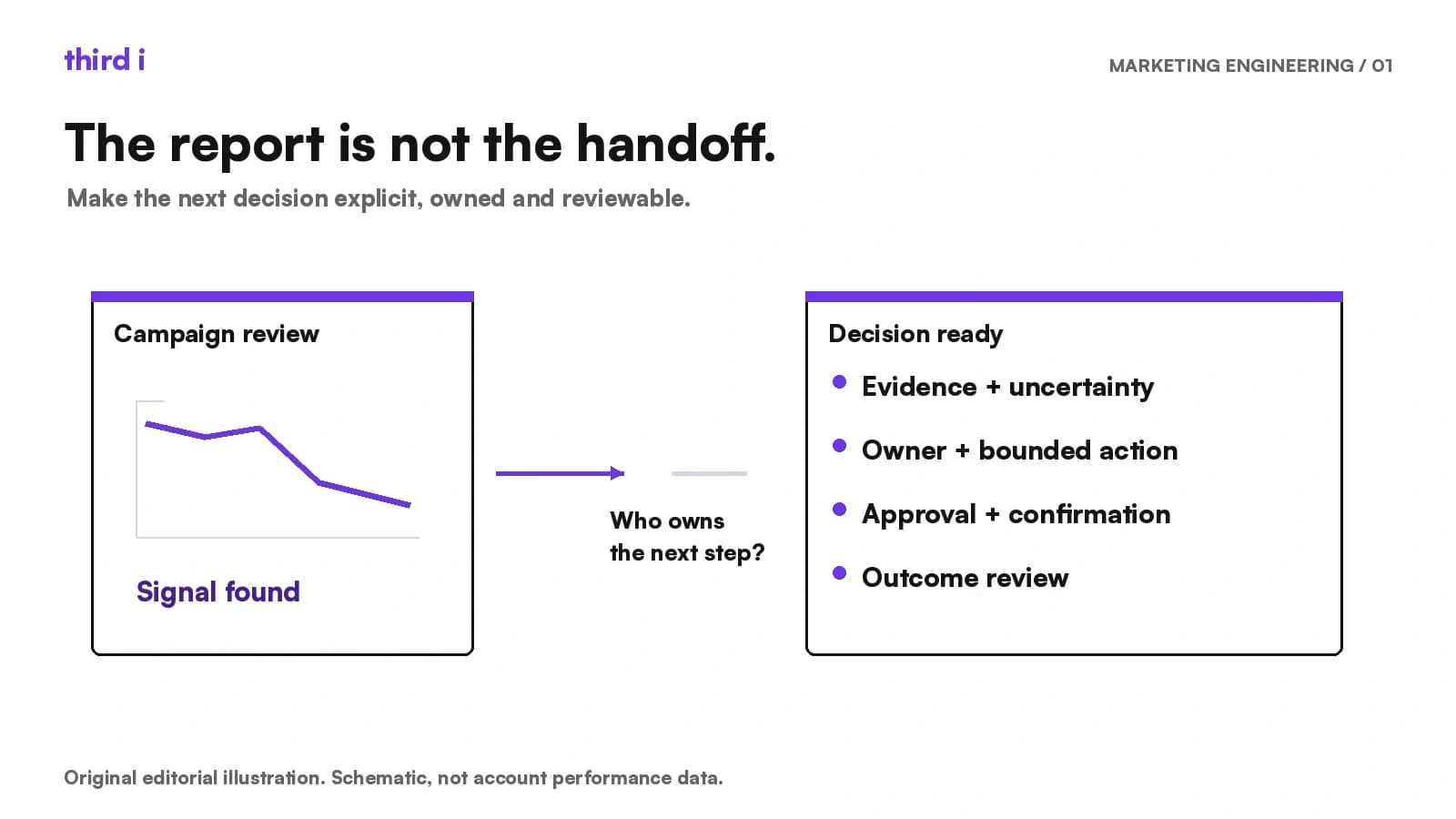
The Real Job of a Marketing Engineer Is Closing the Gap Between Insight and Action
The useful job of a Marketing Engineer begins where a recommendation can stall: a named owner, a bounded proposal, clear approval, confirmation of the change and an outcome review.

Using third i Alongside Semrush, Ahrefs and Claude
Keep the tools your team trusts. See where third i adds connected marketing context, competitor creative research and a shared route into Claude.